

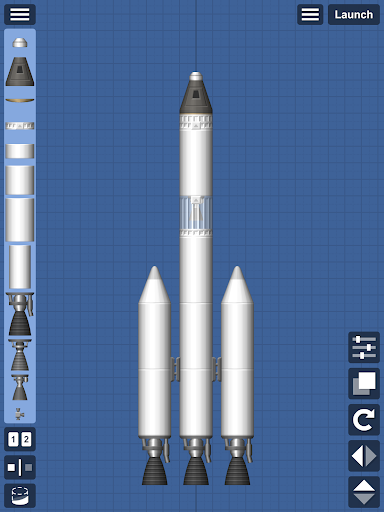
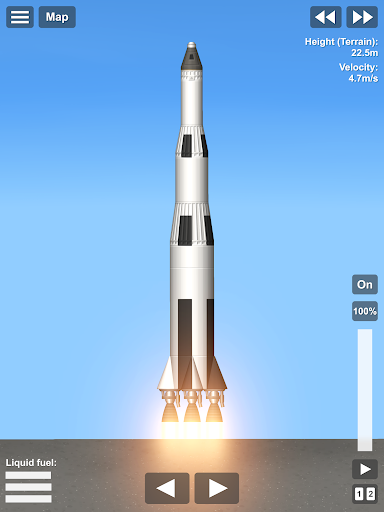
Spaceflight Simulator is a popular space simulation game available for both mobile and PC. If you want to install and run it on Windows 10, 11, or 7 (32-bit/64-bit), this guide will walk you through the process step-by-step to ensure smooth gameplay.
System Requirements
Before installing the game, make sure your PC meets the following system requirements:
For Steam Version (Windows 10/11)
- OS: Windows 10/11 (64-bit)
- Processor: Intel Core i3 or better
- RAM: 4GB minimum (8GB recommended)
- Graphics: Intel HD Graphics 4000 or better
- Storage: At least 1GB free space
- DirectX: Version 11
For Emulator Version (Windows 7/10/11, 32-bit & 64-bit)
- OS: Windows 7/10/11 (32-bit or 64-bit)
- Processor: Intel or AMD Dual Core
- RAM: 2GB minimum (4GB recommended)
- Graphics: OpenGL 2.0 or higher
- Storage: At least 2GB free space
Having a better CPU and GPU will ensure a smoother gaming experience!
Method 1: Install via Steam (Windows 10/11)
If you have Windows 10 or 11, you can install the official Steam version.
Steps:
- Download Steam:
- Download and install Steam from the official website.
- Create or log into your Steam account.
- Search for Spaceflight Simulator.
- Purchase and download the game.
- Once installed, click Play and enjoy! 🎮
The Steam version is paid but provides a stable and high-performance experience.
Method 2: Using an Emulator (Windows 7/10/11, 32-bit & 64-bit)
If you want to play for free or are using Windows 7, you can use an Android emulator.
Recommended Emulators:
- BlueStacks (Best for gaming)
- LDPlayer (Lightweight)
- NoxPlayer (Alternative option)
Steps:
- Download an emulator:
- Get BlueStacks or LDPlayer from their official websites.
- Install the emulator on your PC.
- Open Google Play Store and search for Spaceflight Simulator.
- Install the game and start playing!
This method works on Windows 7, 10, and 11 (both 32-bit and 64-bit systems).
Method 3: Installing via APK (Without Play Store)
If you don’t want to use the Google Play Store, you can install the game using an APK file.
Steps:
- Download the APK file:
- Get the latest Spaceflight Simulator APK from a trusted website like APKPure or APKMirror.
- Open the emulator and drag & drop the APK file.
- Install and launch the game!
Make sure to download the APK from a trusted source to avoid malware risks.
Conclusion
For the best experience, Steam is the recommended option for Windows 10/11 users, while emulators work best for Windows 7 or 32-bit systems. Choose the method that suits your PC and enjoy Spaceflight Simulator!
If you have any issues, feel free to ask in the comments!